
See the Last Sales Rate and Purchase Rate While Billing in TallyPrime
Add-on pricing
TDL add-on
₹999 + tax
1 year validity · Renewal ₹99 + tax / year
Your salesperson is on the phone. The customer asks for a rate on an item they bought two months ago. What happens next in most offices is the same everywhere: the operator escapes out of the voucher, opens Item Vouchers or a Sales Register, scrolls to find the last bill, notes the rate on a scrap of paper, comes back, and re-enters the voucher from the start.
That round trip takes thirty to sixty seconds. Multiply it by the number of lines you bill in a day and it becomes real money. Worse, when someone is in a hurry they skip the check entirely and quote from memory. That is how you end up selling below your last rate without noticing.
The actual problem
TallyPrime stores every rate you have ever billed. The information is there. It is simply not on the screen at the moment you need it, which is during voucher entry.
Standard TallyPrime shows you the current stock, and it will carry forward the rate from the previous voucher in some configurations, but it does not tell you what you last charged this particular party for this particular item. Those are two different questions, and the second one is the one your salesperson is actually asking.
What the customisation does
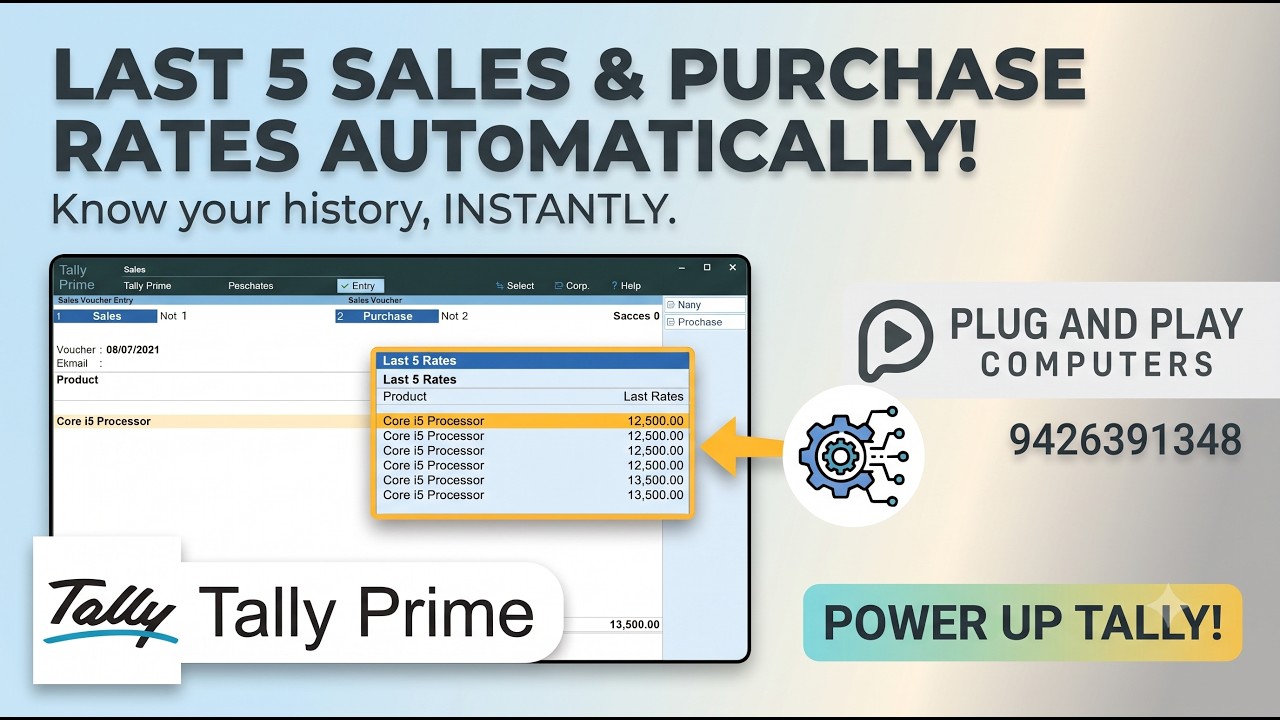
We add the last sales rate and last purchase rate directly to the voucher entry screen. While your operator is keying in the item, they can see:
- The rate at which this item was last sold
- The rate at which this item was last purchased
No escaping the voucher. No second window. No scrap of paper.
Once the numbers are visible at the point of decision, two things change quickly. Quoting gets faster, because nobody has to go looking. And margins get more consistent, because the person entering the voucher can see immediately when a rate is below what the item cost you.
Why this is a customisation and not a setting
This comes up often, so it is worth answering directly: you cannot switch this on in TallyPrime’s F12 configuration. The data exists in the company file, but putting it on the voucher entry screen means adding a field to that screen, and that is what TDL (Tally Definition Language) is for.
TDL is Tally’s own customisation language. A customisation written in TDL is not a separate program bolted on the side. It loads with your company and behaves like part of Tally, which is why it survives your normal workflow and does not interfere with your existing vouchers or reports.
Watch it working
The video above shows the customisation running on a live TallyPrime company, so you can see exactly where the rates appear during entry before deciding whether it is worth doing for your business.
Is it worth it for you?
This one pays for itself fastest in businesses that:
- Sell the same items repeatedly to the same customers
- Negotiate rates per party rather than working off a fixed price list
- Have more than one person entering sales vouchers
- Deal in items where the purchase cost moves often
If your rates are fixed and printed in a catalogue, you probably do not need this. If your rates move and your team is quoting from memory, you almost certainly do.
Getting it done
Every Tally company is set up differently, so a customisation that drops cleanly into one business may need adjusting for another. We look at how your vouchers are actually structured before quoting, rather than selling a fixed package that may not fit.
If you are running TallyPrime and this problem sounds familiar, talk to us. We are a Tally 3 Star Partner and we have been doing TDL customisation work for businesses across Gujarat for over a decade.