
Add-on pricing
TDL add-on
Contact us for pricing
New stock arrives, and somebody has to put a barcode on every unit before it goes on the shelf. In a lot of trading and retail businesses that still means opening a separate label-printing program, typing or re-typing the item code and price, and hoping nobody fat-fingers a digit between Tally and the label software.
The item code, the rate, the unit - all of it already exists in the stock item master in TallyPrime. Retyping it into a second program is the same mistake as copying customer addresses by hand onto an envelope: the data is correct once, in one place, and every manual re-entry after that is a chance to get it wrong.
What this actually costs
Two things, mainly. Time - printing labels for a fresh stock intake becomes its own task instead of something that happens as a side effect of receiving the goods. And accuracy - a label that does not match what is billed at the counter causes a wrong scan, and a wrong scan either undercharges a customer or stops a sale while someone finds the right item manually.
Neither is dramatic on its own. Add it up over a year of stock intakes and it is a real amount of time spent on something that should not need a separate step at all.
How the customisation works
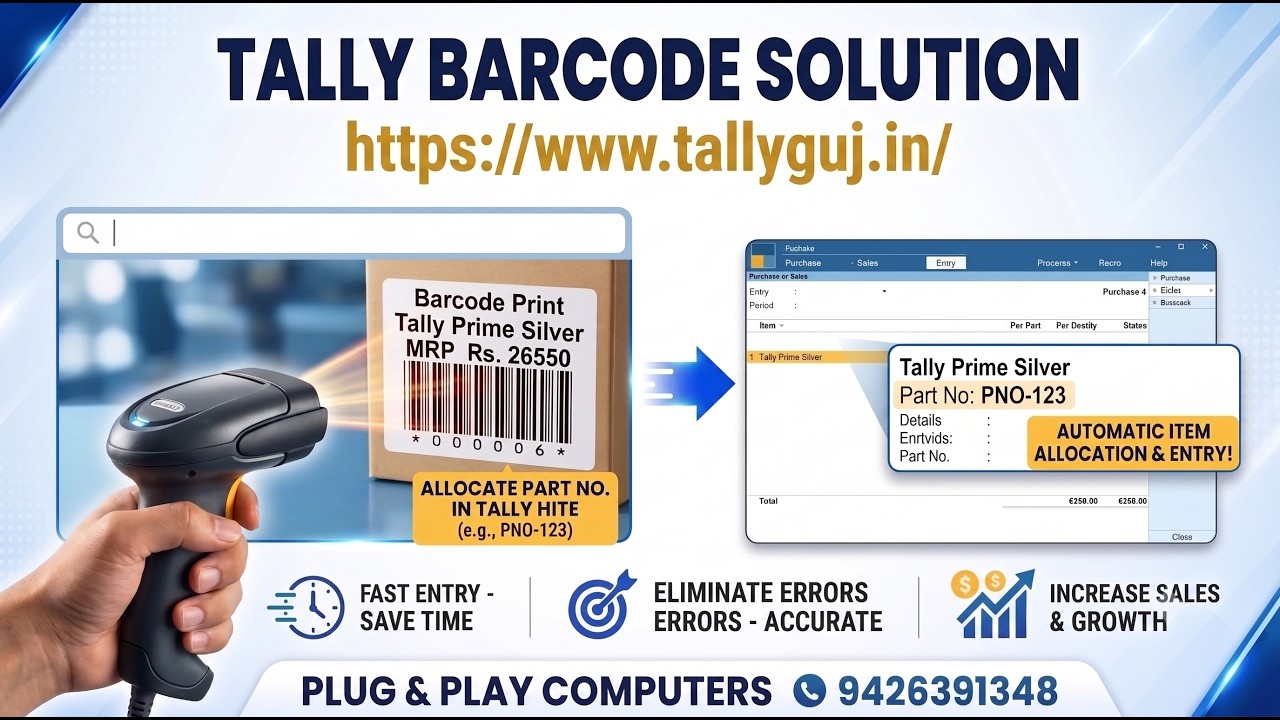
The add-on in the video above prints barcode labels directly from the stock item master in TallyPrime - no separate label software, no retyping. The item’s code and rate are pulled straight from the item you already created, so the label always matches what Tally will actually bill.
It is built to work with either a dedicated label printer or a normal printer on A4 sheets, since not every business has thermal printer hardware, and not every business needs one - a small shop reprinting a handful of labels a week does not need the same setup as a warehouse running continuous stock intake.
Where this fits into your existing setup
If you already assign a product code or brand name in the stock item master, that is what gets used - the customisation reads the fields you have already filled in rather than asking you to maintain a second set of codes somewhere else. If you have not been consistent about filling those fields in, that is worth fixing before printing labels from Tally, for the same reason bill-wise references need to be right before any reconciliation report is useful: the customisation reflects your data, it does not correct it.
Frequently asked questions
Do I need a special barcode printer?
No. The add-on supports both dedicated label/thermal printers and a normal printer on A4 label sheets. Which one makes sense depends on how many labels you print and how often - talk to us about your volume and we will tell you which setup fits.
Where does the barcode value come from?
From the fields you already maintain in the stock item master - typically the product code or part number. Nothing new has to be entered specifically for barcoding.
Will this work with my existing stock items, or do I need to recreate them?
Your existing stock items. The add-on reads what is already in the master; it does not require rebuilding your inventory.
What does this cost?
Get in touch with your item volume and printer setup and we will give you a straight quote.
Talk to us
We are a Tally 3 Star Partner in Himmatnagar. If barcode labels for your stock are currently a separate program and a re-typed item code, tell us how you print labels today and we will show you what this looks like on your own stock items.